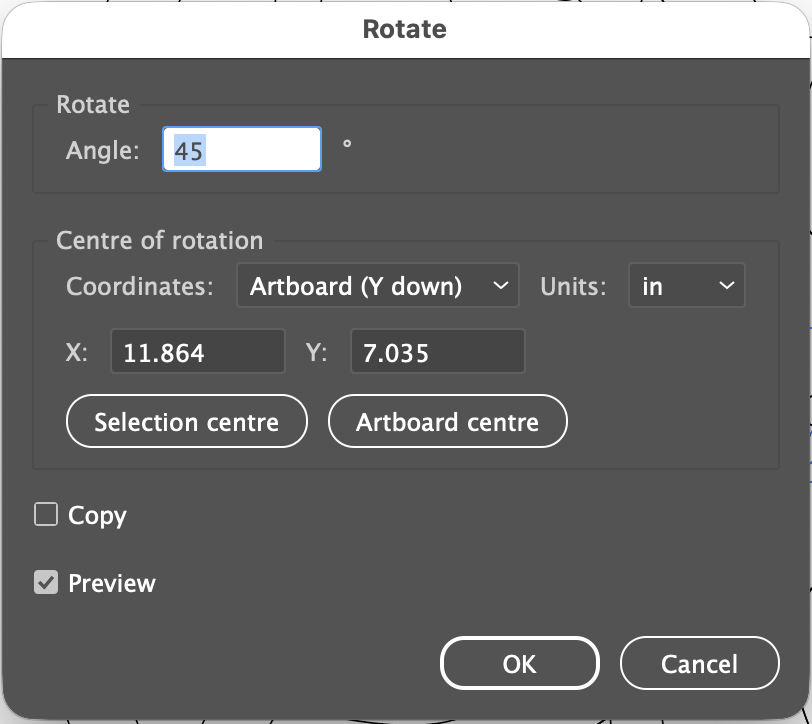
While creating a design in Adobe Illustrator for a wooden bench that I’ve been making, I found myself getting frustrated at the lack of fine controls with Illustrator’s rotate tool. So I turned to Claude and asked it to write up a small script that easily rotates shapes around a specific x and y location.
Here’s a screenshot:
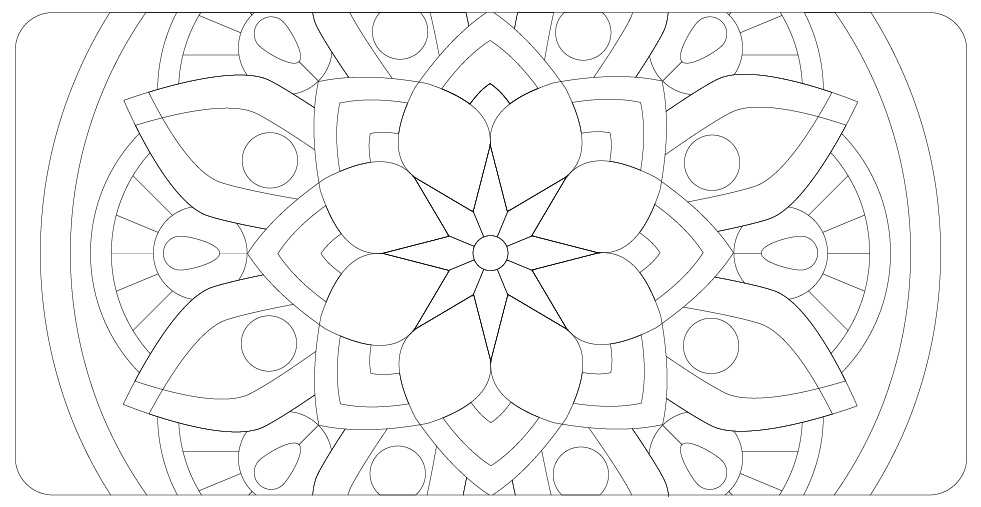
With it I created this vector based image:
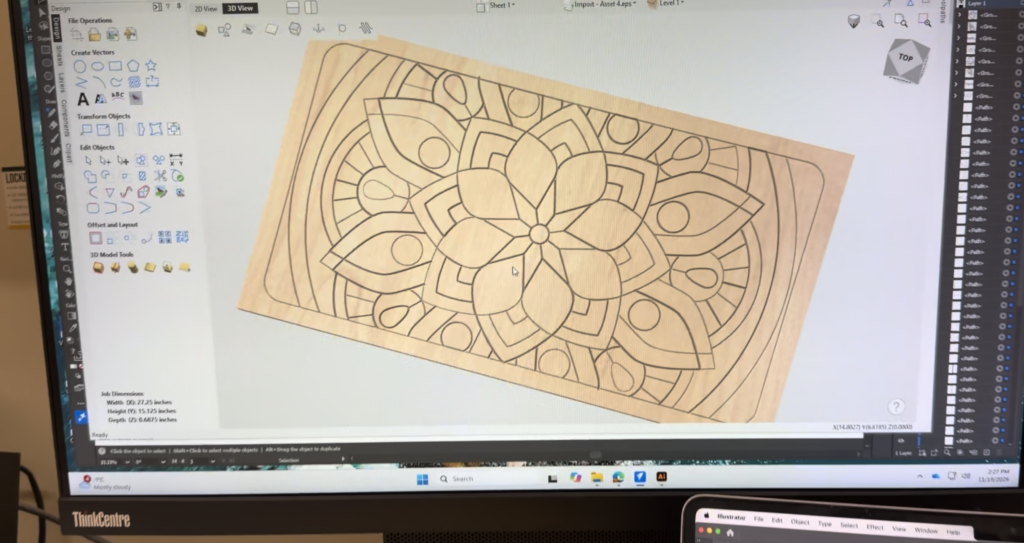
After exporting it to a .eps file I imported in the Vcarve and previewed the design:
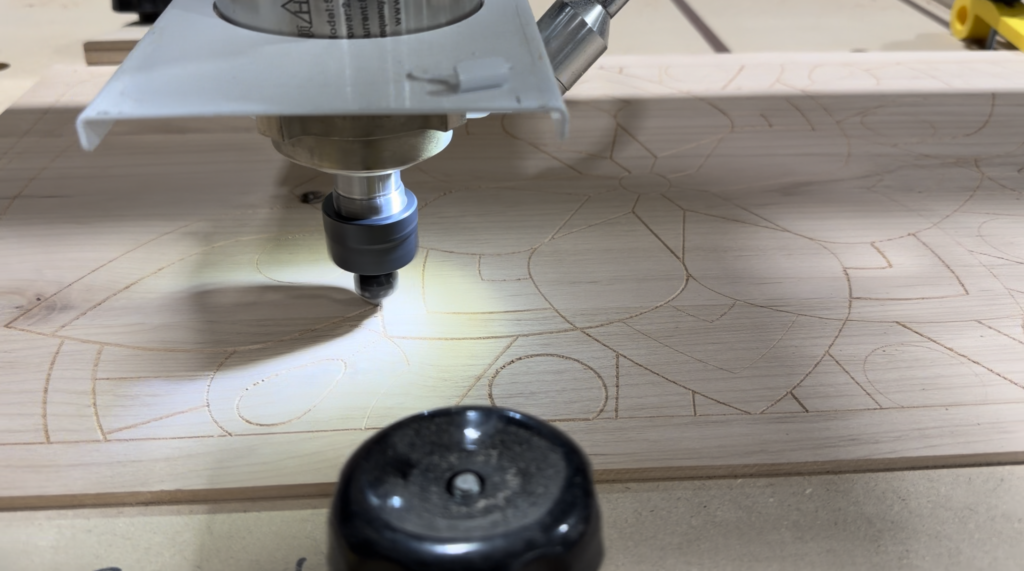
It turned out great as the CNC router carved out the design on the lid of the hallway bench:
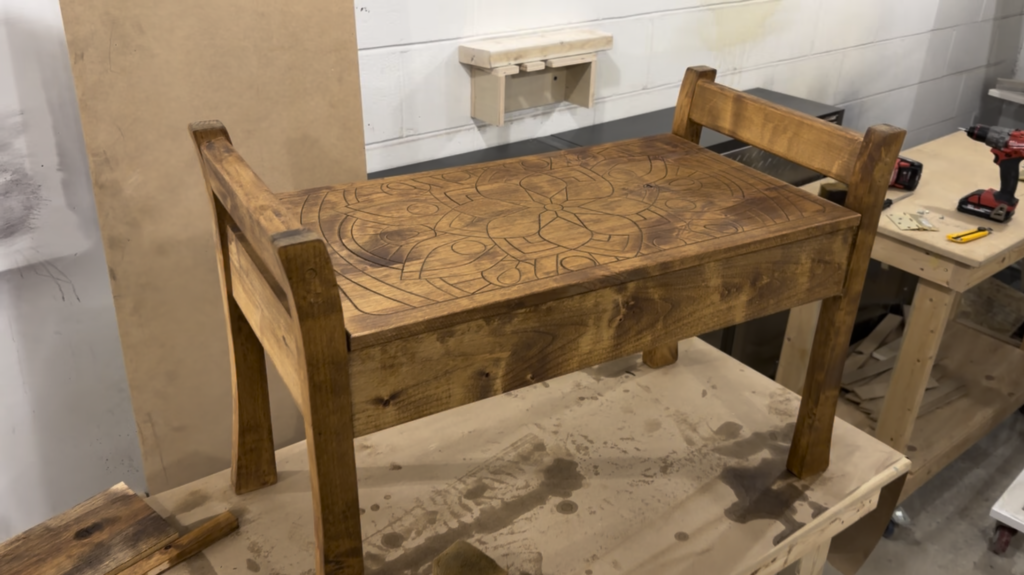
The design was a lot more visible after staining, though I’m not too happy about how the stain looks on the alder wood that I am using:
Here’s a copy of the RotateAboutPoint. I made a second script called RotateAgain, which repeats the coordinates of the last rotation and, of course, is useful for any precision rotations in Illustrator not just if you plan to export the file.
How to install:
- Download the files and rename them each with the .jsx extension.
- Copy RotateAboutPoint.jsx and RotateAgain.jsx to
Applications/Adobe Illustrator 2026/Presets/en_US/Scripts/on Mac, orC:\Program Files\Adobe\Adobe Illustrator 2026\Presets\en_US\Scripts\on Windows. Adjust the folder name to match your version. - Restart Illustrator.
- Select your objects and run it from
File > Scripts > RotateAboutPoint. You can also useFile > Scripts > Other Script…to run it from anywhere without installing.
To get it onto a hotkey:
- Install RotateAgain.jsx in the same Scripts folder as the other script, then restart Illustrator.
- In the Actions panel, create a new action and give it a function key (for example F2).
- With the action recording, choose Insert Menu Item from the panel menu, then pick
File > Scripts > RotateAgain. Stop recording. - Pressing that function key now repeats the last rotation.
Limitations
- It works in sessions that begin with RotateAboutPoint and OK, because it only repeats what that script last saved.
- Rotations made with Illustrator’s own Rotate tool aren’t remembered.
- Each repeat adds its own entry to the Undo history, so Cmd+Z undoes one repeat at a time.
- Insert Menu Item doesn’t always list scripts in every Illustrator version. If
File > Scriptsitems don’t appear there, the fallback is running the script fromFile > Scriptseach time.