
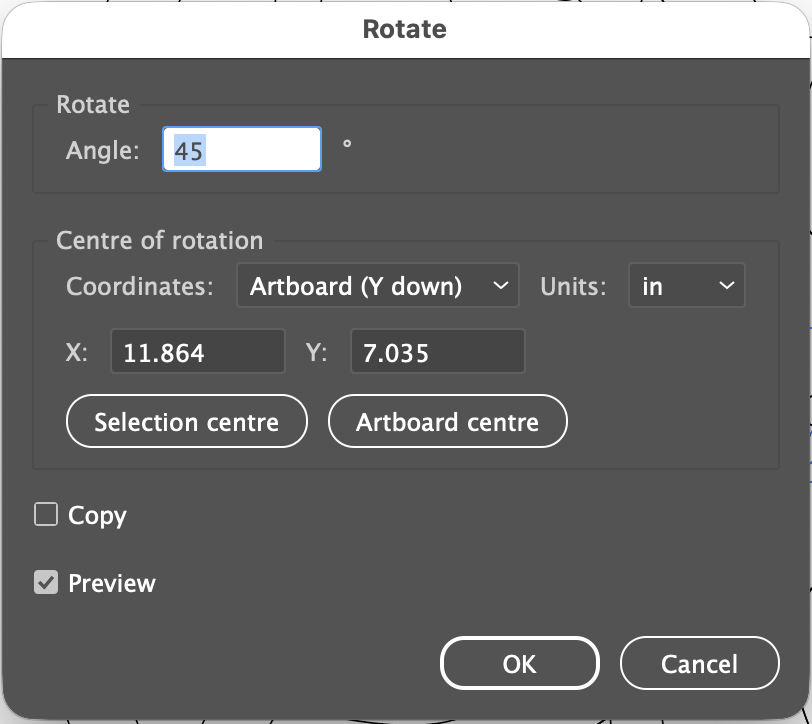
While creating a design in Adobe Illustrator for a wooden bench that I’ve been making, I found myself getting frustrated by the lack of fine controls with Illustrator’s rotate tool. So I turned to Claude and asked it to write a small script that would let me rotate that easily rotates shapes around a specific X and Y location.
Here’s a screenshot:
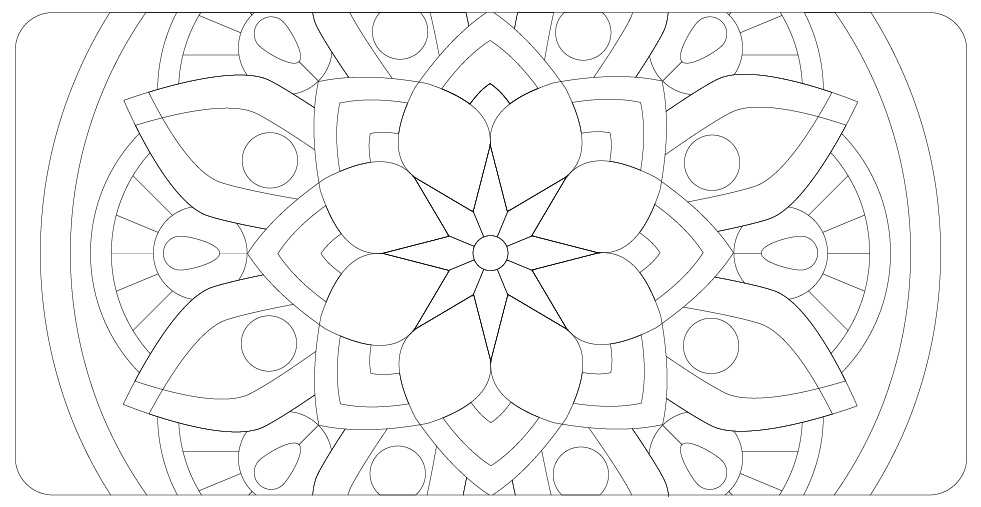
With it I created this vector-based design:
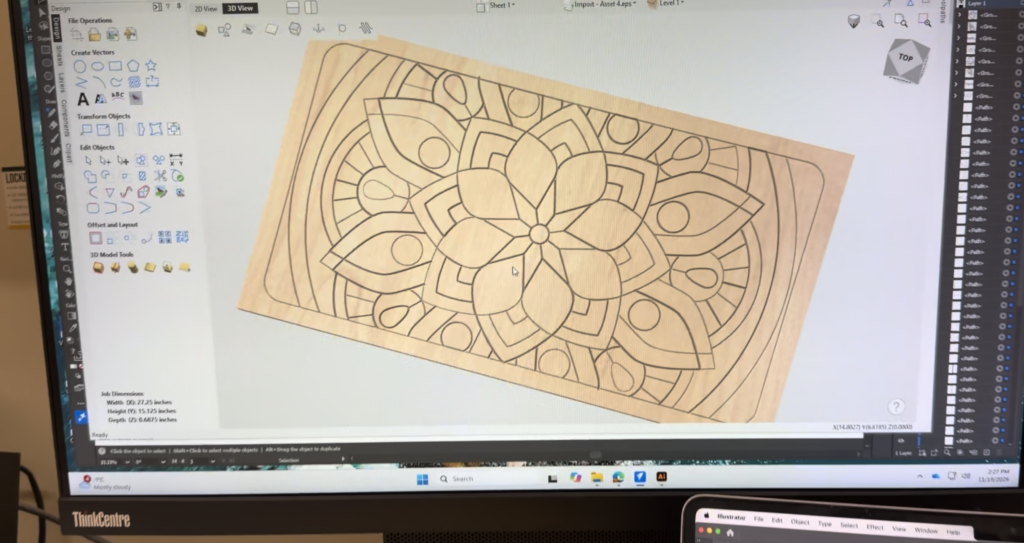
After exporting it as an EPS file I imported it into VCarve and previewed the design:
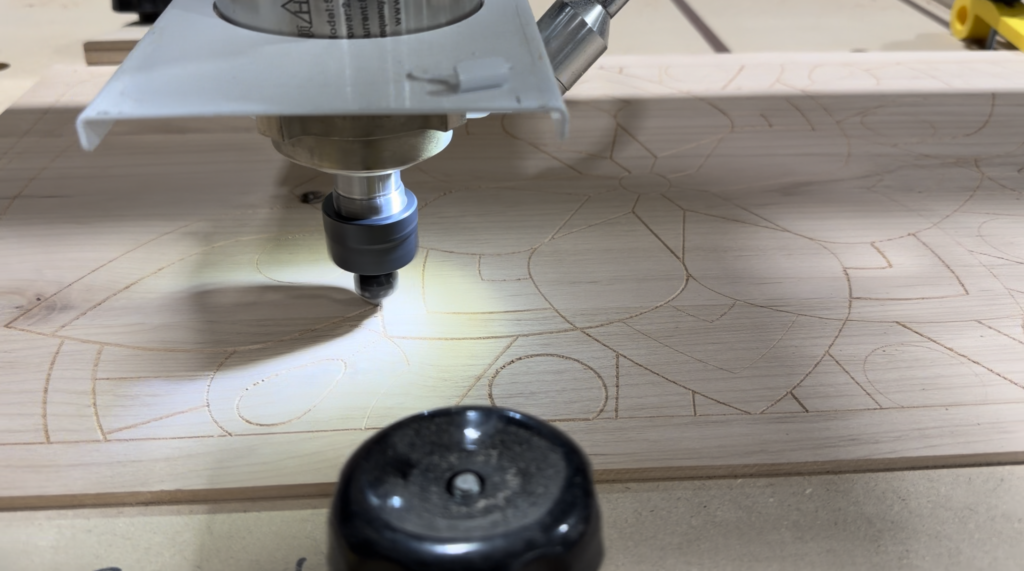
It turned out great as the CNC router carved the design into the lid of the hallway bench:
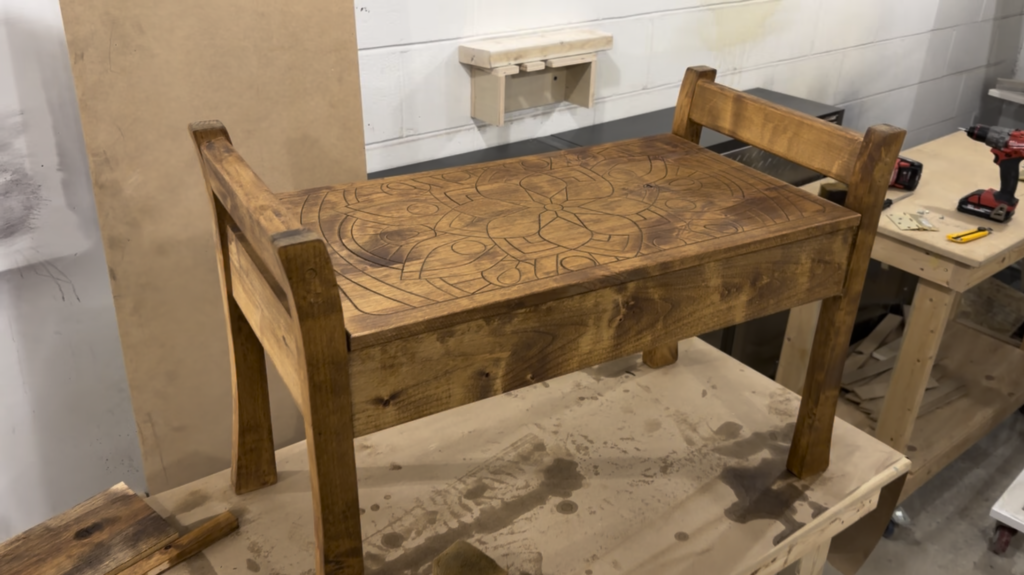
The design was a lot more visible after staining, though I’m not too happy about how the stain looks on the alder wood I’m using:
Here’s a copy of the RotateAboutPoint script in .txt format. I made a second script called RotateAgain, which repeats the coordinates of the last rotation and, of course, is useful for any precision rotations in Illustrator.
How to install:
- Download the files and rename them each with the .jsx extension.
- Copy RotateAboutPoint.jsx and RotateAgain.jsx to
Applications/Adobe Illustrator 2026/Presets/en_US/Scripts/on Mac, orC:\Program Files\Adobe\Adobe Illustrator 2026\Presets\en_US\Scripts\on Windows. Adjust the folder name to match your version. - Restart Illustrator.
- Select your objects and run it from
File > Scripts > RotateAboutPoint. You can also useFile > Scripts > Other Script…to run it from anywhere without installing.
Assigning a keyboard shortcut:
- Install RotateAgain.jsx in the same Scripts folder as the other script, then restart Illustrator.
- In the Actions panel, create a new action and give it a function key (for example F2).
- With the action recording, choose Insert Menu Item from the panel menu, then pick
File > Scripts > RotateAgain. Stop recording. - Pressing that function key now repeats the last rotation.
Limitations
- It works in sessions that begin with RotateAboutPoint and OK, because it only repeats what that script last saved.
- Rotations made with Illustrator’s own Rotate tool aren’t remembered.
- Each repeat adds its own entry to the Undo history, so Cmd+Z undoes one repeat at a time.
- Insert Menu Item doesn’t always list scripts in every Illustrator version. If
File > Scriptsitems don’t appear there, the fallback is running the script fromFile > Scriptseach time.