Tim Cook Leaving Apple

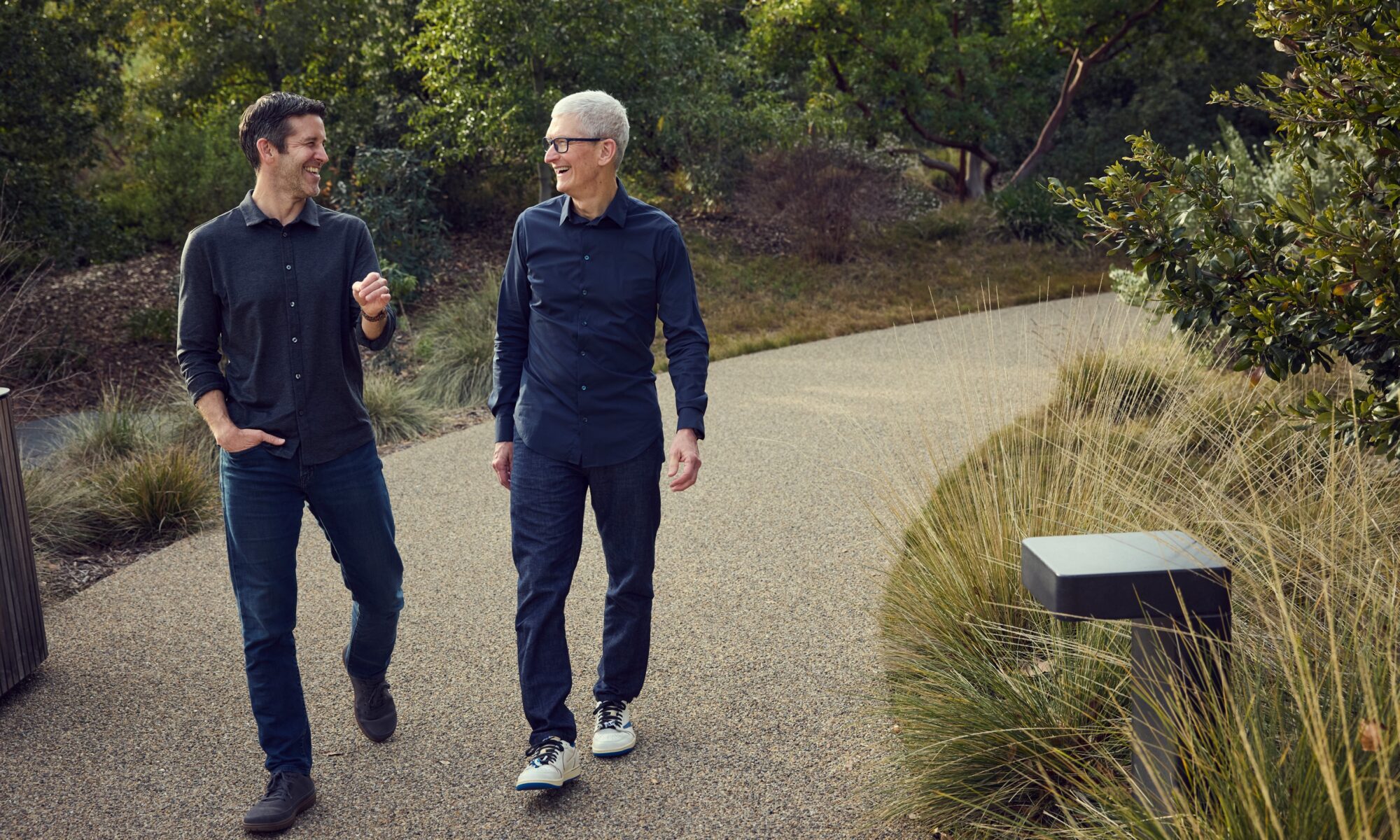
Rumours that Tim Cook might leave his CEO role Apple this year have been swirling for quite some time but today, writing on Apple’s newsroom, Cook broke the news that he’s becoming executive chairman of the board and also shared that John Ternus will take over as CEO in September.

Tim Cook:

Today we announced that I’m taking the next step in my journey at Apple. Over the coming months I will be transitioning into a new role, leaving the CEO job behind in September and becoming Apple’s executive chairman. A new person will be stepping into what I know in my heart is the best job in the world. That leader is John Ternus, a brilliant engineer and thinker who has spent the past 25 years building the Apple products our users love so much, obsessed with every detail, focused on every possible way we can make something better, bolder, more beautiful, and more meaningful. He is the perfect person for the job.

Federico’s Apple Frames 4 Shortcut

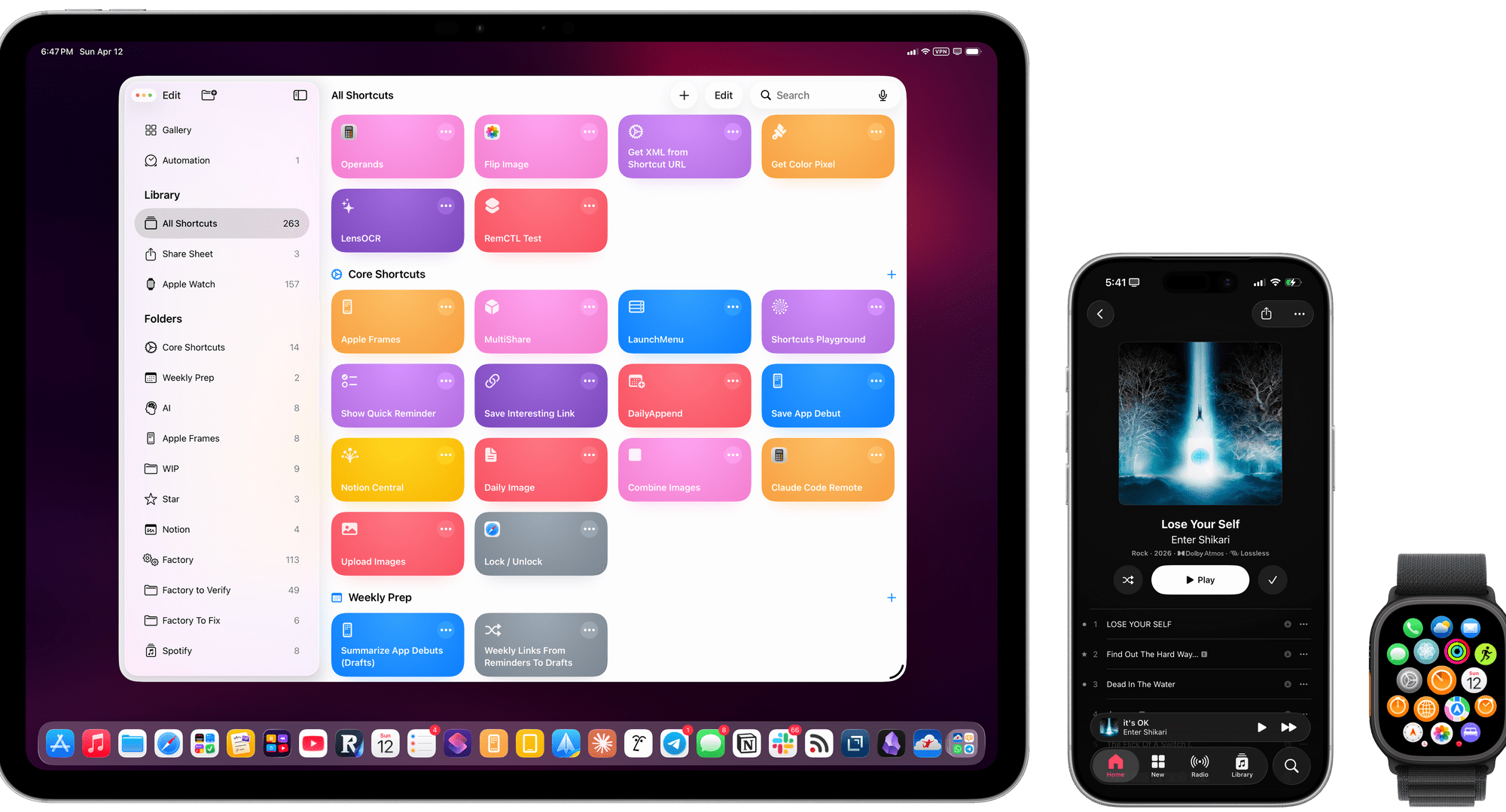
Just a day or two ago I was looking for Federico Viticci’s Frames shortcut (previously) and noticed it hadn’t been updated since November of 2024. I wondered if he just stopped updating it but today was delighted to find Federico posted a long awaited update:

Today, I’m very happy to introduce Apple Frames 4, a major update to my shortcut for framing screenshots taken on Apple devices with official Apple product bezels. Apple Frames 4 is a complete rethinking of the shortcut that is noticeably faster, updated to support all the latest Apple devices, and designed to support even more personalization options. For the first time ever, Apple Frames supports multiple colors for each device, allowing you to mix and match different colored bezels for each framed screenshot; it also supports proportional scaling when merging screenshots from different Apple devices.

But that’s not all. In addition to an updated shortcut, I’m also releasing the Apple Frames CLI, an open source command-line utility that lets developers and tinkerers automate the process of framing screenshots directly from the Mac’s Terminal. And there’s more: the Apple Frames CLI is also designed to work with AI agents, and it comes with a Claude Code/Codex skill that lets coding agents take care of framing dozens or even hundreds of screenshots in just a few seconds, from any folder on your Mac.

I find getting good screenshots to be way more clunky than it needs to be and this is going to improve my workflow tremendously.
NASA’s New Moon Photos

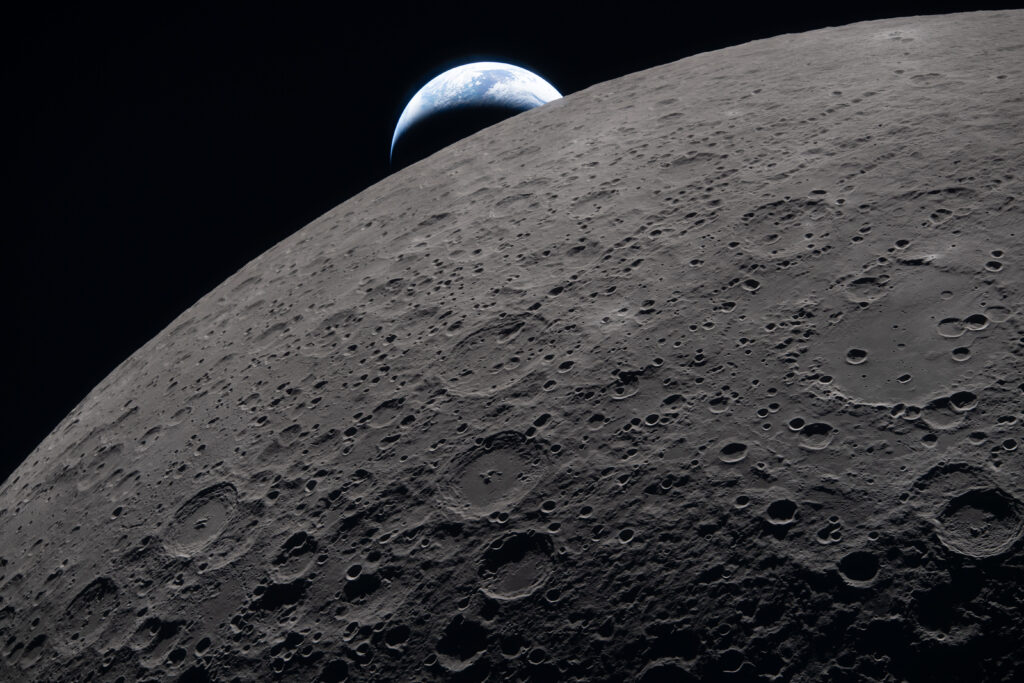
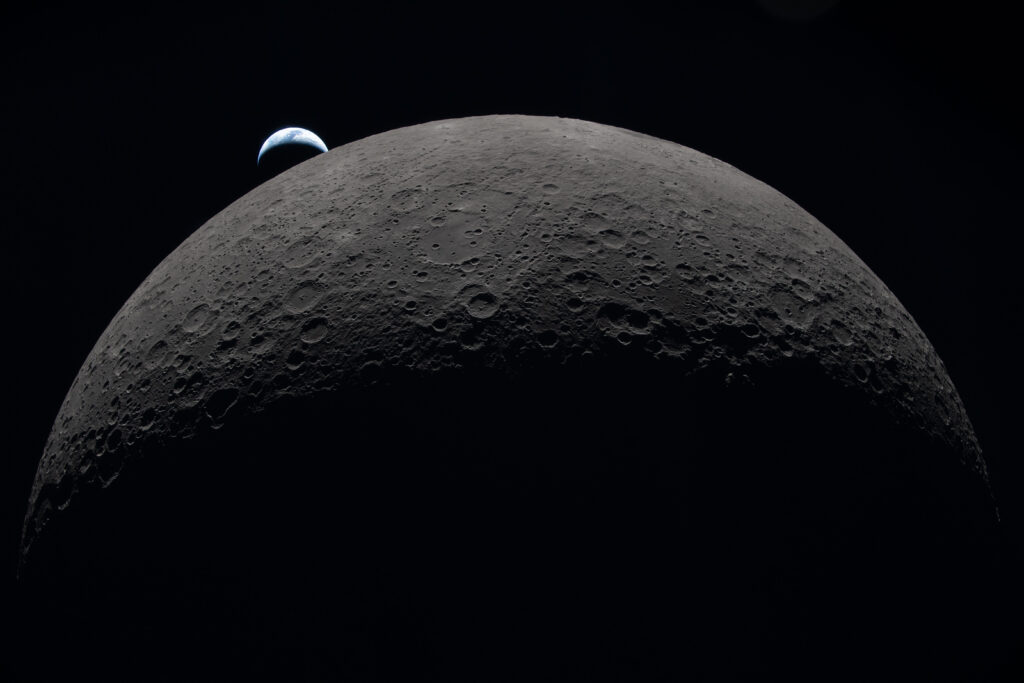
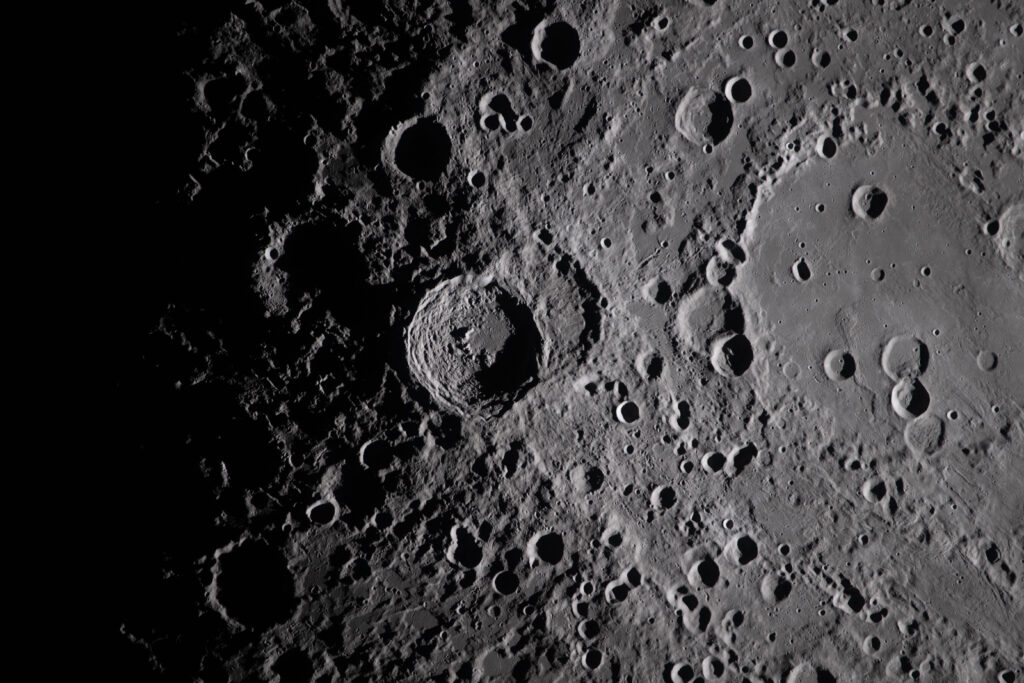
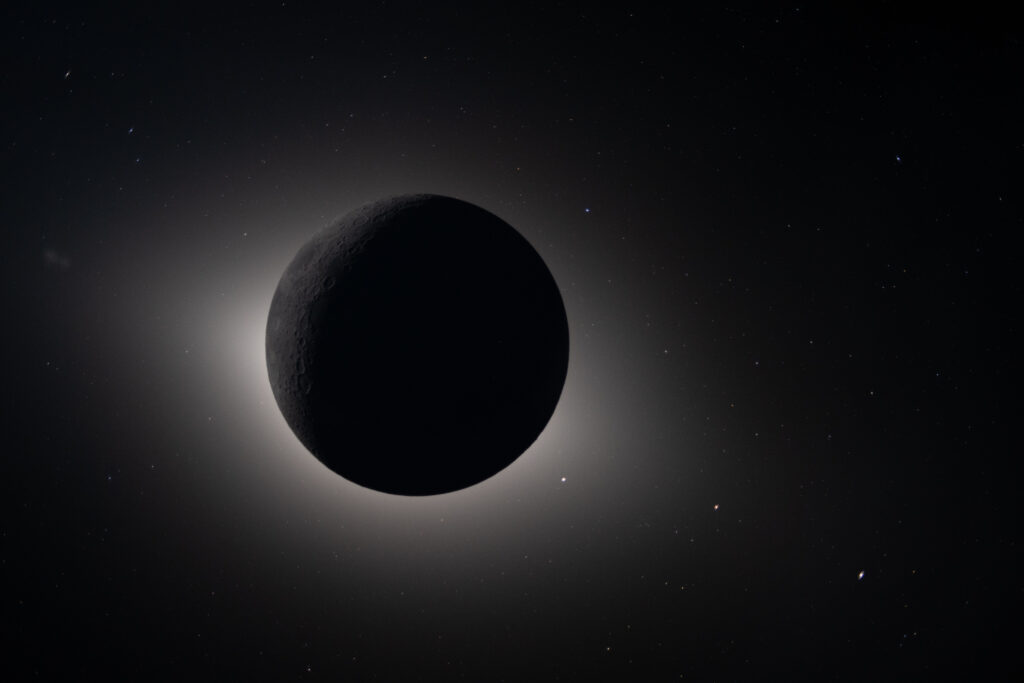
NASA has a Flickr album full of new images from the Artemis II mission.

Just look at these beautiful photos:

The lunar surface fills the frame in sharp detail, as seen during the Artemis II lunar flyby, while a distant Earth sets in the background.
Earth sets at 6:41 p.m. EDT, April 6, 2026, over the Moon’s curved limb in this photo captured by the Artemis II crew during their journey around the far side of the Moon. Orientale basin is perched on the edge of the visible lunar surface.
A close-up view taken by the Artemis II crew of Vavilov Crater on the rim of the older and larger Hertzsprung basin.
This image shows the Moon fully eclipsing the Sun. From the crew’s perspective, the Moon appears large enough to completely block the Sun, creating nearly 54 minutes of totality and extending the view far beyond what is possible from Earth.

(via Kottke)

Artemis II Mission Blasts Off

On Wednesday, the Artemis II took off for the moon. I watched the launch with Ian.

Here’s a replay from NASA’s livestream:

Later we called my dad to talk about his memory of watching previous moon landings. He explained that during the first moon walk, he went outside and took a picture of the moon. Ian immediately wanted to know if he would send us that photo. We’ll try to track it in my dad’s old album the next time we have a chance.

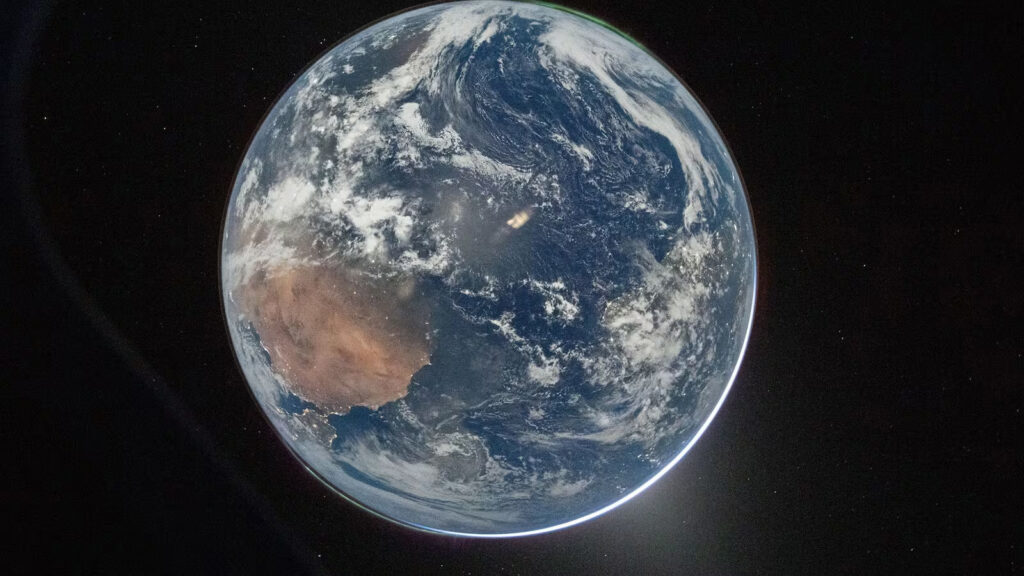
The next day NASA released this image of the earth even as the spaceship continues on its historic journey to the moon.

(Previously)

Mercury 1.0.6

There is a new version of my recipe app in the App Store today and with it a new icon.

As well a dark mode version:

There have been a lot of new features since the app was first released and I’m very pleased with how things have progressed. If you give Mercury a try and I hope you will (the first 5 recipes are free) please give it a 5-star rating in the App Store. There’s a link to “rate the app” right in the settings menu.