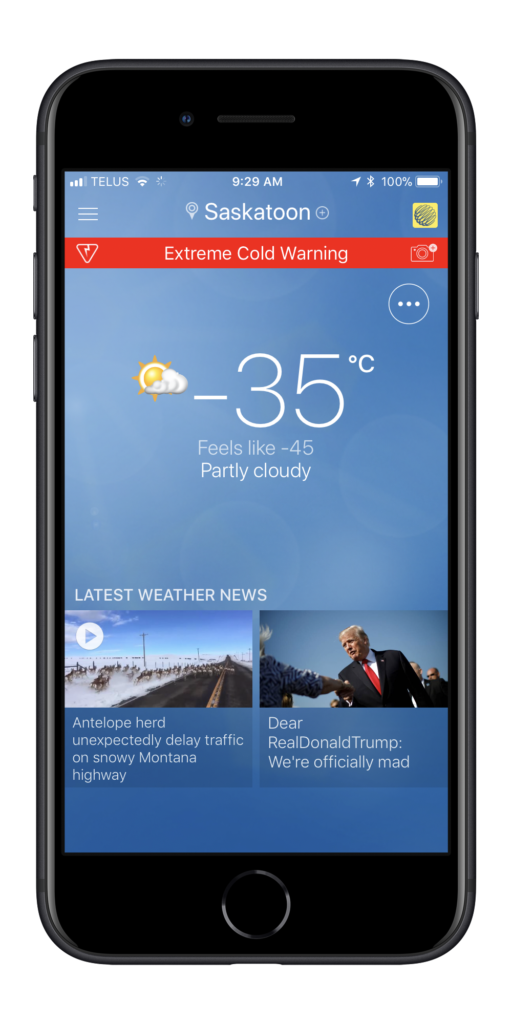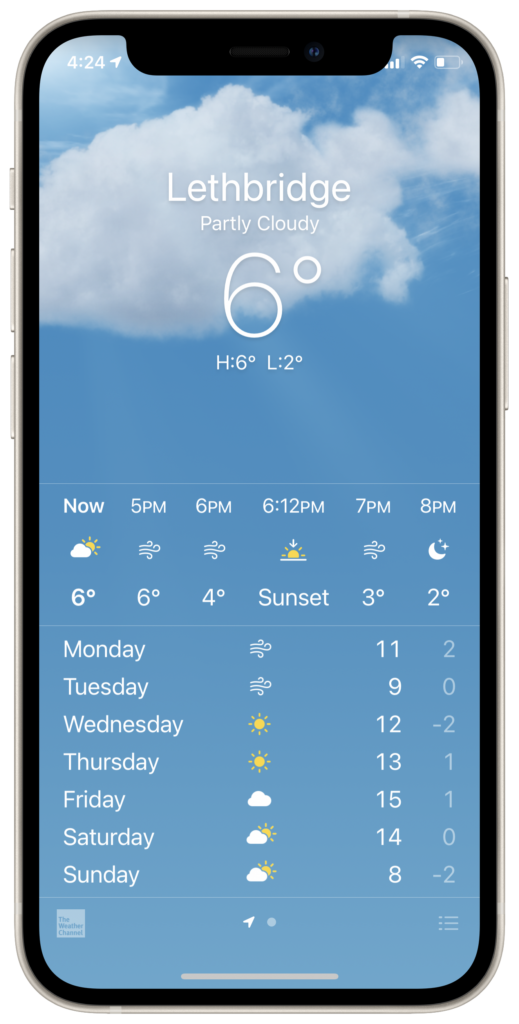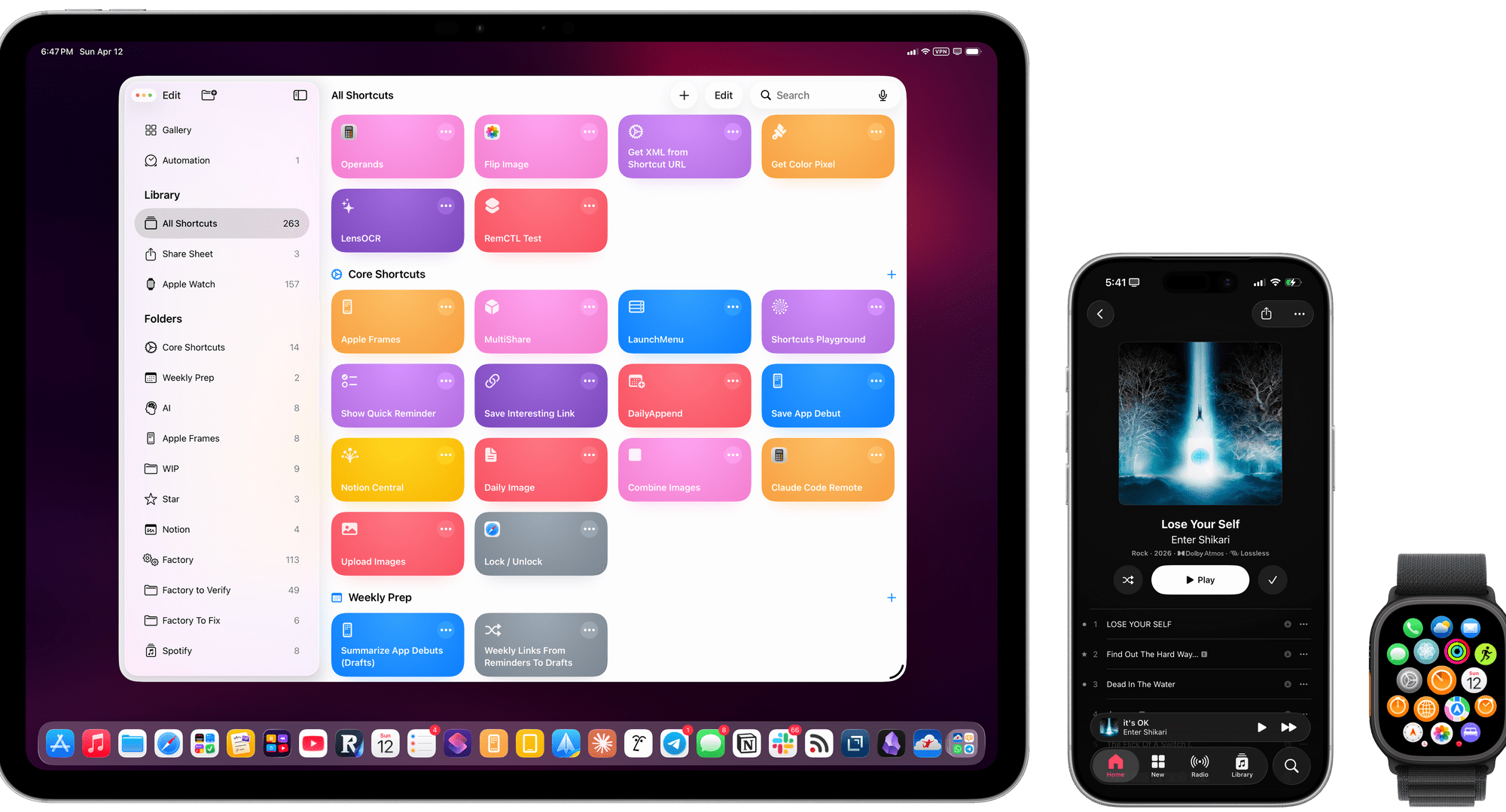
Federico’s Apple Frames 4 Shortcut

Just a day or two ago I was looking for Federico Viticci’s Frames shortcut (previously) and noticed it hadn’t been updated since November of 2024. I wondered if he just stopped updating it but today was delighted to find Federico posted a long awaited update:

Today, I’m very happy to introduce Apple Frames 4, a major update to my shortcut for framing screenshots taken on Apple devices with official Apple product bezels. Apple Frames 4 is a complete rethinking of the shortcut that is noticeably faster, updated to support all the latest Apple devices, and designed to support even more personalization options. For the first time ever, Apple Frames supports multiple colors for each device, allowing you to mix and match different colored bezels for each framed screenshot; it also supports proportional scaling when merging screenshots from different Apple devices.

But that’s not all. In addition to an updated shortcut, I’m also releasing the Apple Frames CLI, an open source command-line utility that lets developers and tinkerers automate the process of framing screenshots directly from the Mac’s Terminal. And there’s more: the Apple Frames CLI is also designed to work with AI agents, and it comes with a Claude Code/Codex skill that lets coding agents take care of framing dozens or even hundreds of screenshots in just a few seconds, from any folder on your Mac.

I find getting good screenshots to be way more clunky than it needs to be and this is going to improve my workflow tremendously.


Mercury 1.0.6

There is a new version of my recipe app in the App Store today and with it a new icon.

As well a dark mode version:

There have been a lot of new features since the app was first released and I’m very pleased with how things have progressed. If you give Mercury a try and I hope you will (the first 5 recipes are free) please give it a 5-star rating in the App Store. There’s a link to “rate the app” right in the settings menu.

Mercury Recipe App

This morning I woke up to news that Apple has approved my new recipe app, Mercury. The special thing about Mercury is that it harnesses on-device A.I.1 to import recipes from your favourite recipe sites. The app also sports an achievement reward system that tracks user actions in app and provides 35 different awards. There is a grocery list page for any given recipe as well as a deletion back-up system that holds deleted recipes for 30 days in case you change your mind.

Download it now at the App Store and if you’re so inclined, I would appreciate your positive ratings to help get the word out on this labor of love.

  1. Apple Intelligence™[]

Milner Stats

I’ve been having some major problems with the site over the past few days. Three nights ago I discovered that all the posts newer than January 15th from the last week were being wiped each day1.

The errors started after I updated the Jetpack plugin and while that doesn’t prove anything, I was never happy with Jetpack anyway so I decided to see if Claude.ai was up to the task of rolling a fresh stats plugin and to my surprise and delight: I can now present WP-Milner-Stats, a lightweight post view tracking plugin with day, week, month, year, and multi-year breakdowns. No external services; no bloat; and after disabling Jetpack: no more missing posts.

  1. this has happened four times[]

Yt-dlp GUI

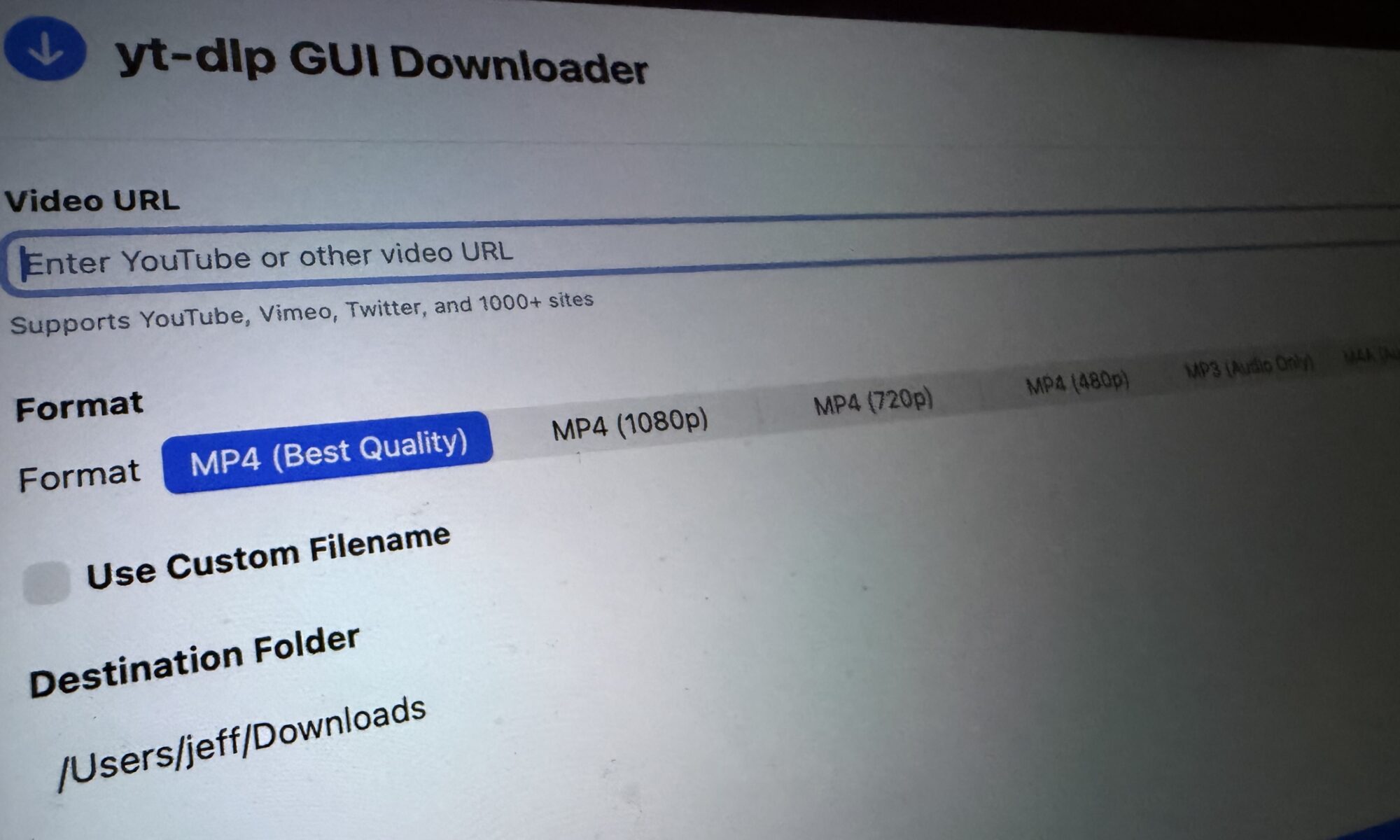
With the help of many YouTube tutorials 1 I created a macOS app that is a GUI for YT-DLP. It lets you save videos2 from the Internet to be viewed later. It’s like a VCR for the digital age.

It’s my first attempt so I don’t know if I’ve set up the Git repository correctly but I think this how one does it: YTDLPDownloader on GitHub.

Update: If building a fresh copy from code is not your thing, you can download YT-DLPDownloader for MacOS.

  1. Especially Paul Hudson’s 100 Days of SwiftUI[]
  2. Download formats include: .mp4, .mp3, or .m4a[]

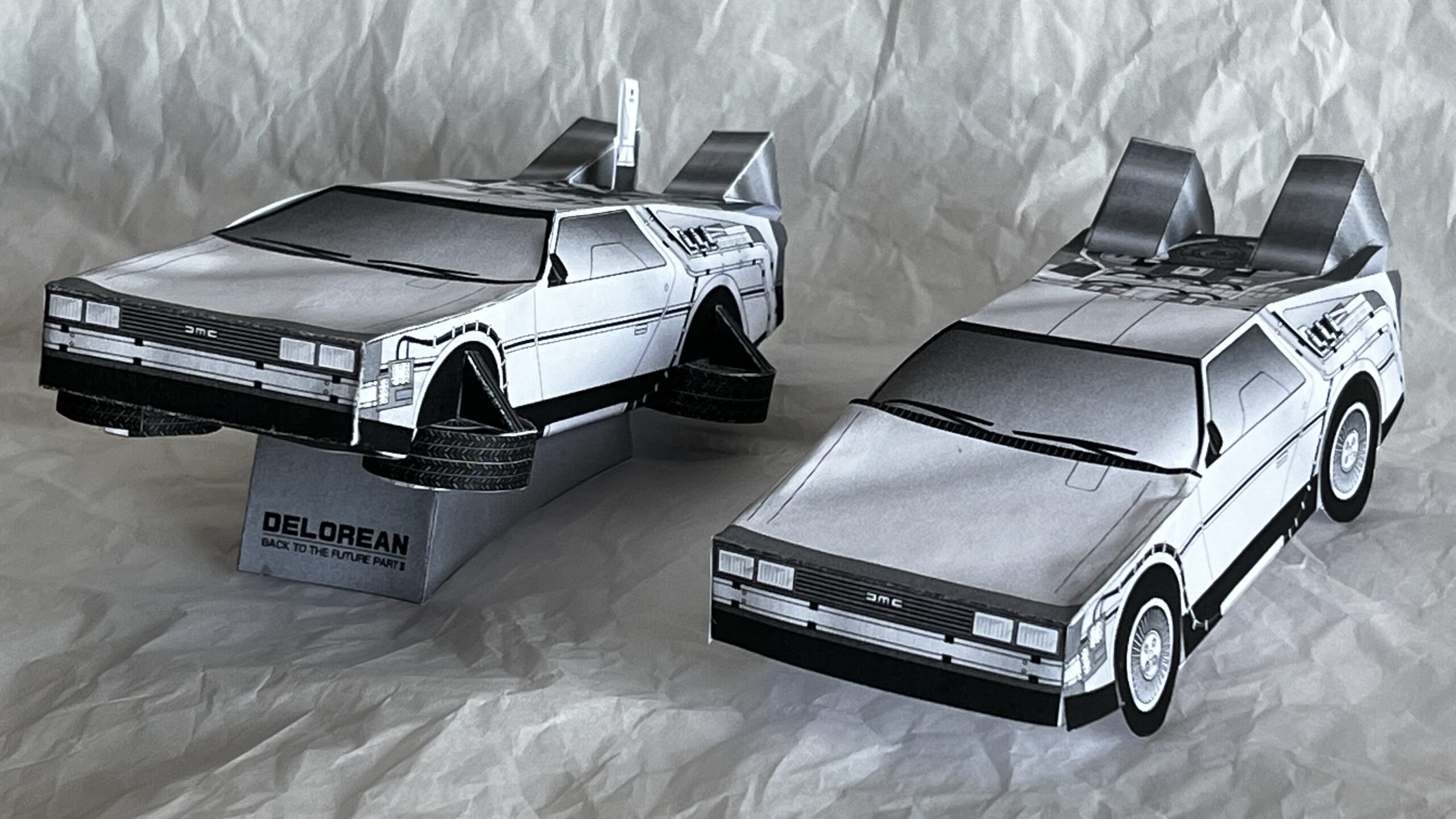
Paper Craft Delorean

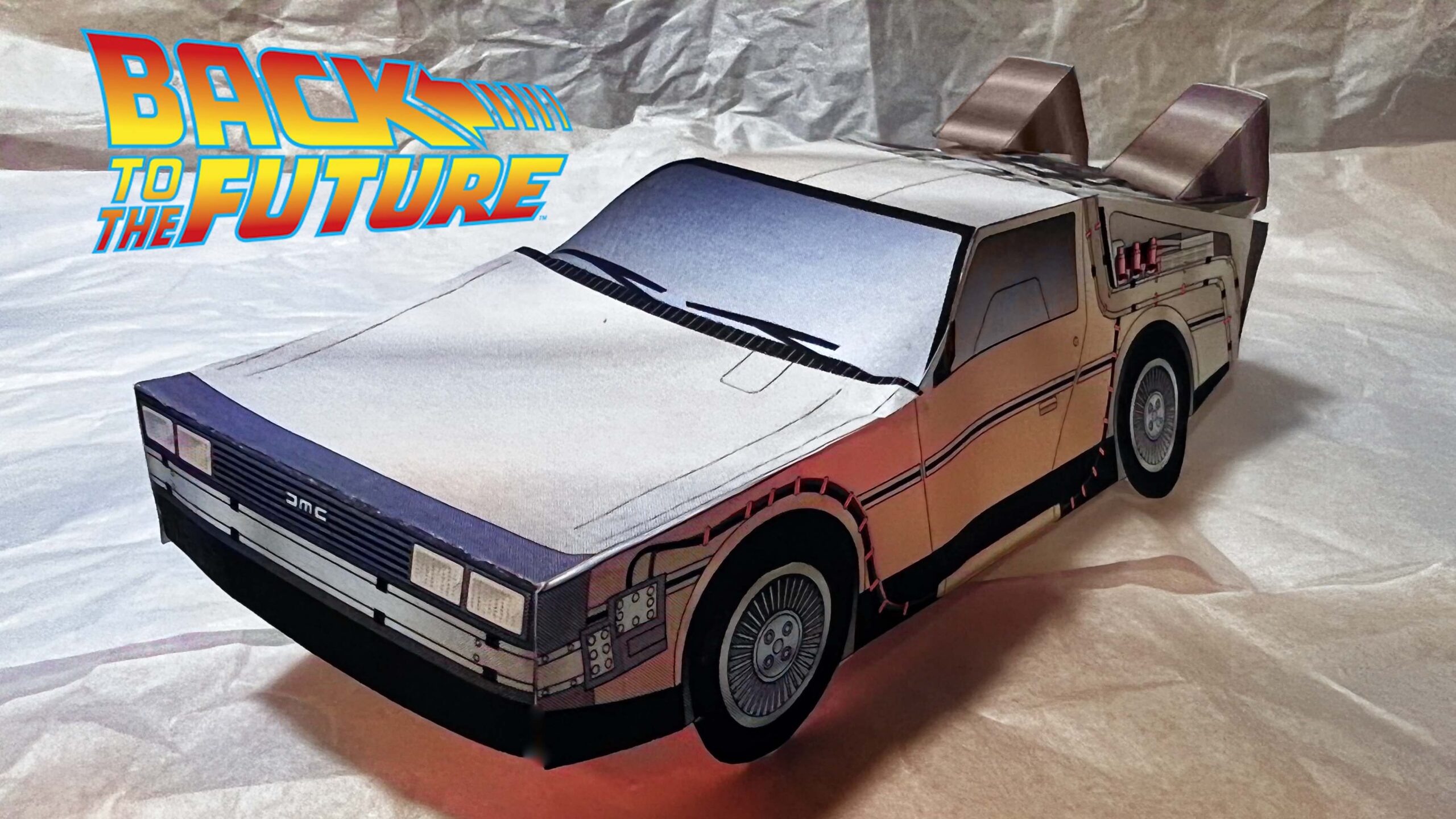
Back to the future DeLorean time travel machine made of paper

The DeLorean is a two-door, two-passenger, rear-engine powered sports car manufactured and marketed by John DeLorean’s DeLorean Motor Company (DMC) and was sold in the United States from 1981 until 1983. Although it was a commercial failure, it captured the public’s imagination when it was featured as the vehicle Doc Brown used to make a time machine in Back to the Future.

Here’s a paper craft project for fans of the Back to the Future DeLorean, (you’ll find each pdf has a different version — one for each movie).

Translated from the archived source, the author describes them as such:

Tomo is a work designed for children, which can be assembled by simply inserting it without gluing for a certain presentation. I made four types that appeared in the movie, but the flight type was impossible.

I used glue on the ones I put together. I’m not sure how it would have worked otherwise.

DELOREANpart1
DELOREANpart2
DELOREANpart3
DELOREANpart3R
parts

Although the original plans are gone from the source site, they have been replaced with updated designs. Check out the pop-up style Delorean with an accompanying YouTube video.

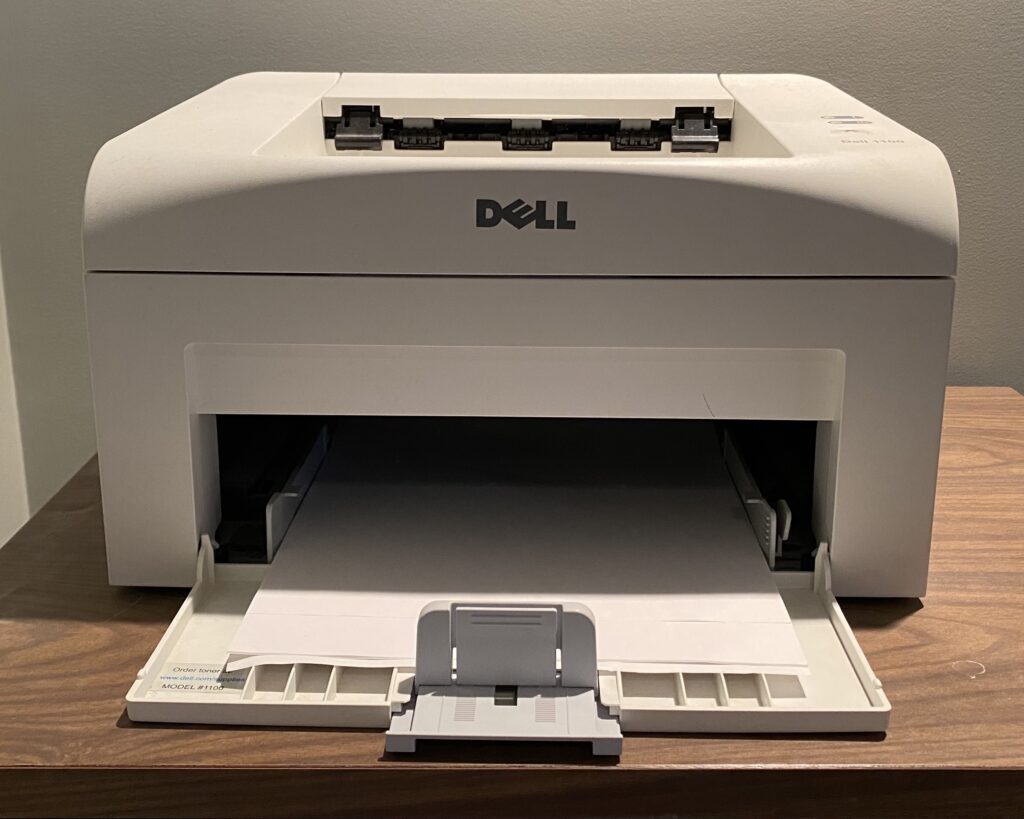
Dell Laser Printer 1100 Driver for macOS Big Sur

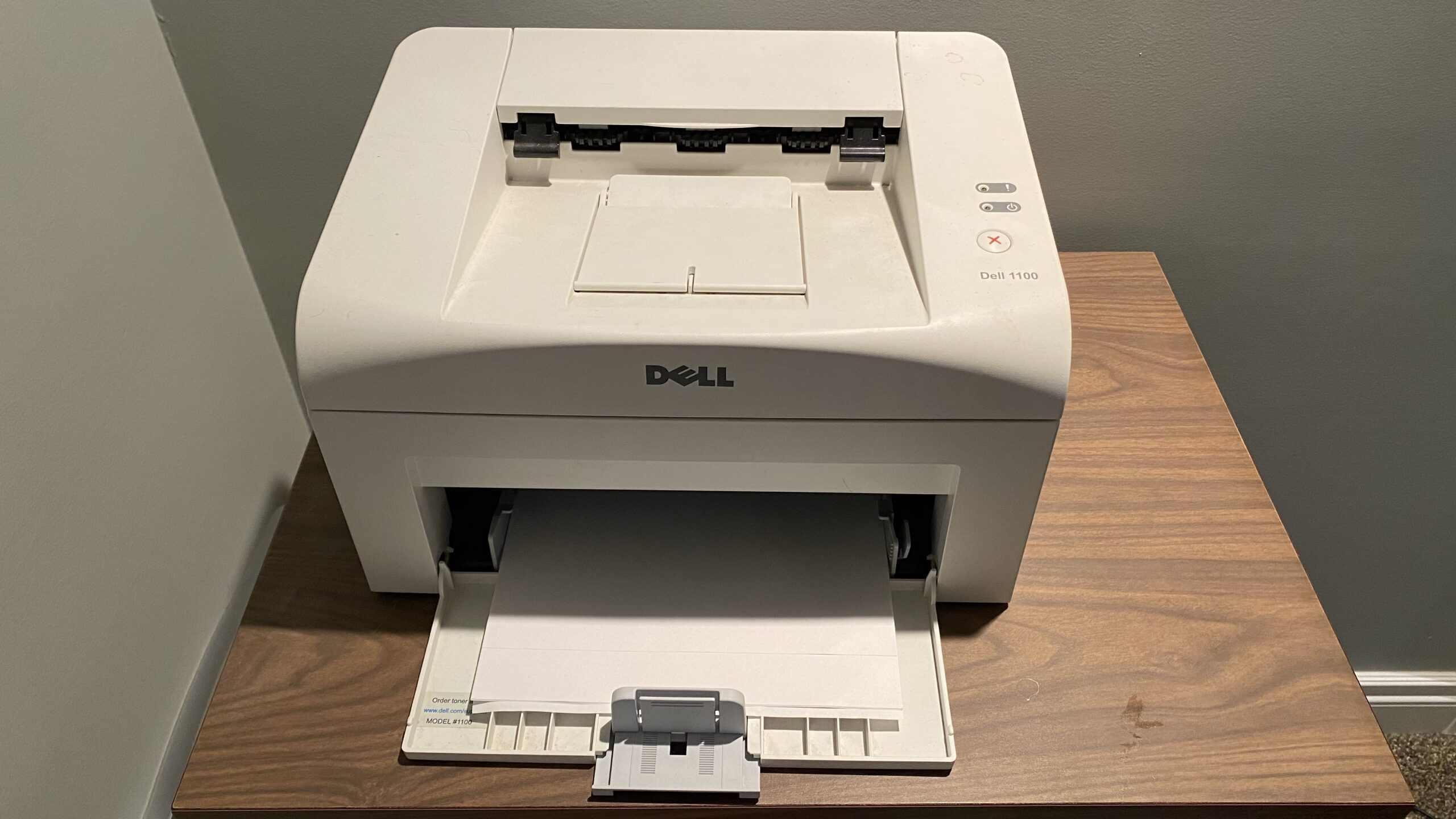
With the new M1 MacBook Air comes the need to once again figure out how to get a modern, highly secure, 64-bit operating system to communicate with a device made in the early 2000s. The device in question being a Dell 1100 Laser Printer.

Dell 1100 Laser Printer
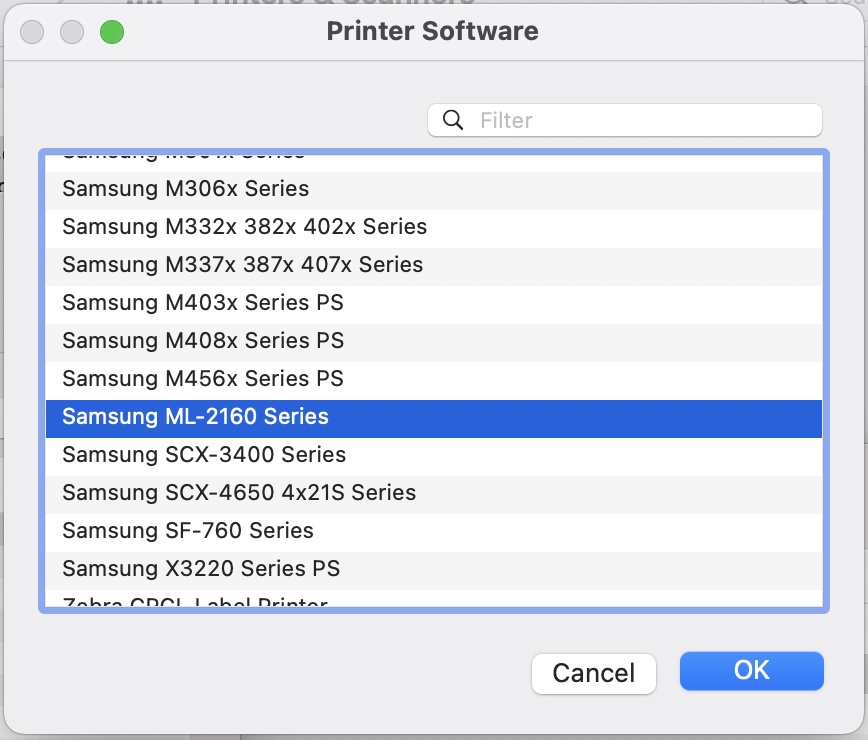
The right printer driver for the Dell 1100 Laser Printer on macOS 11.0 is actually the Samsung ML-2160 Series

After some searching online, a little trial and error, some attempts at using an old driver from an old computer (nope) and a little more searching online I finally came up with the solution. I’m posting it here in the hopes that it will help someone else save some trouble and probably for my future self at some point.

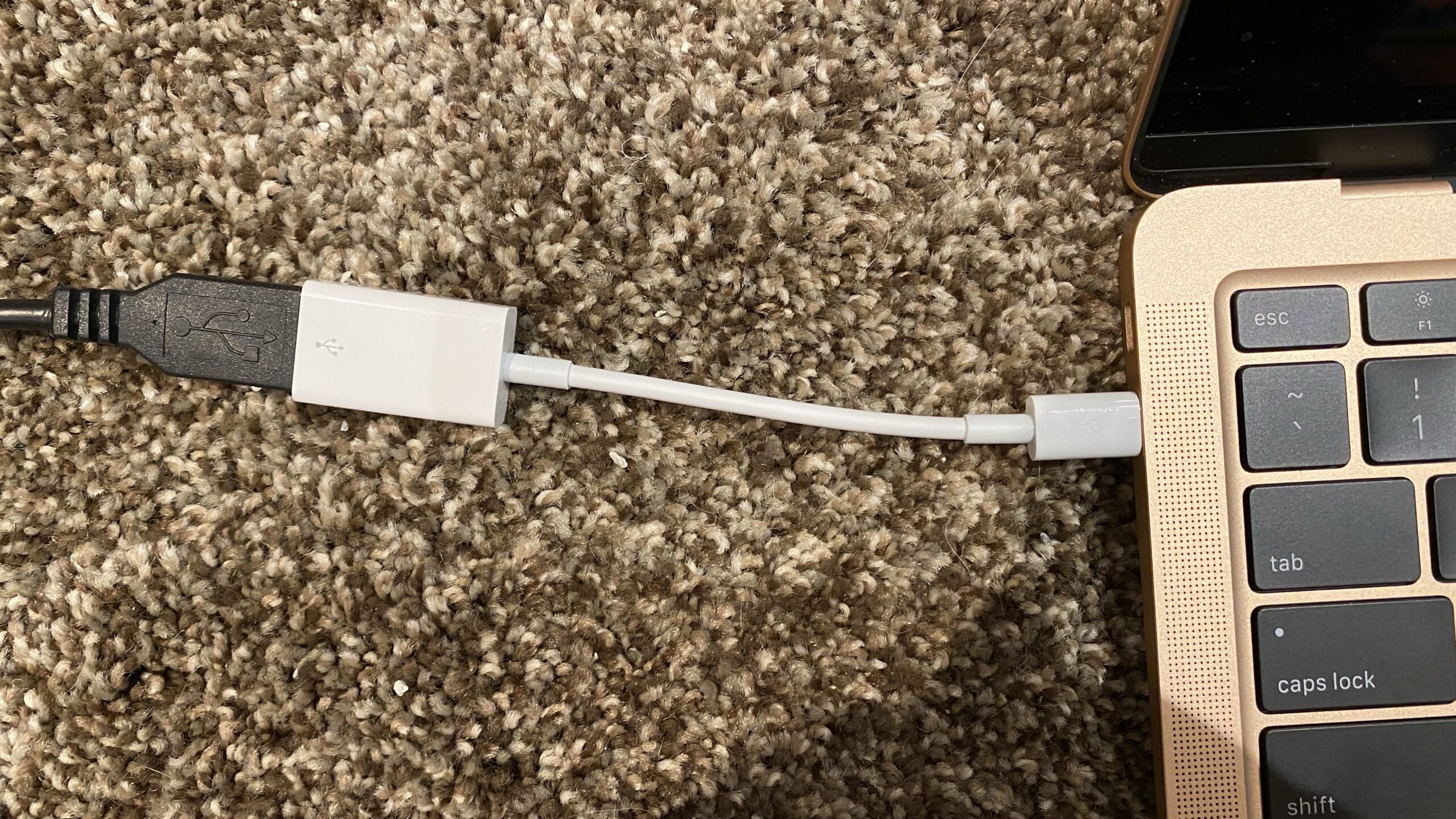
Before I even started, I knew I would need a USB-C to USB-A adapter.

The USB-C to USB-A adapter allows one to connect USB-C devices to USB-A peripherals

I’ll save you the trouble of going through all my trial and error and just say that the solution to get Andrea’s MacBook Air (M1, 2020) running Big Sur 11.0 to work with the Dell 1100 Laser Printer was to download this collection of drivers:

https://ftp.hp.com/pub/softlib/software13/printers/SS/Print_Common_SW/Samsung_Mac_10.15_Driver_V3.92.00.dmg

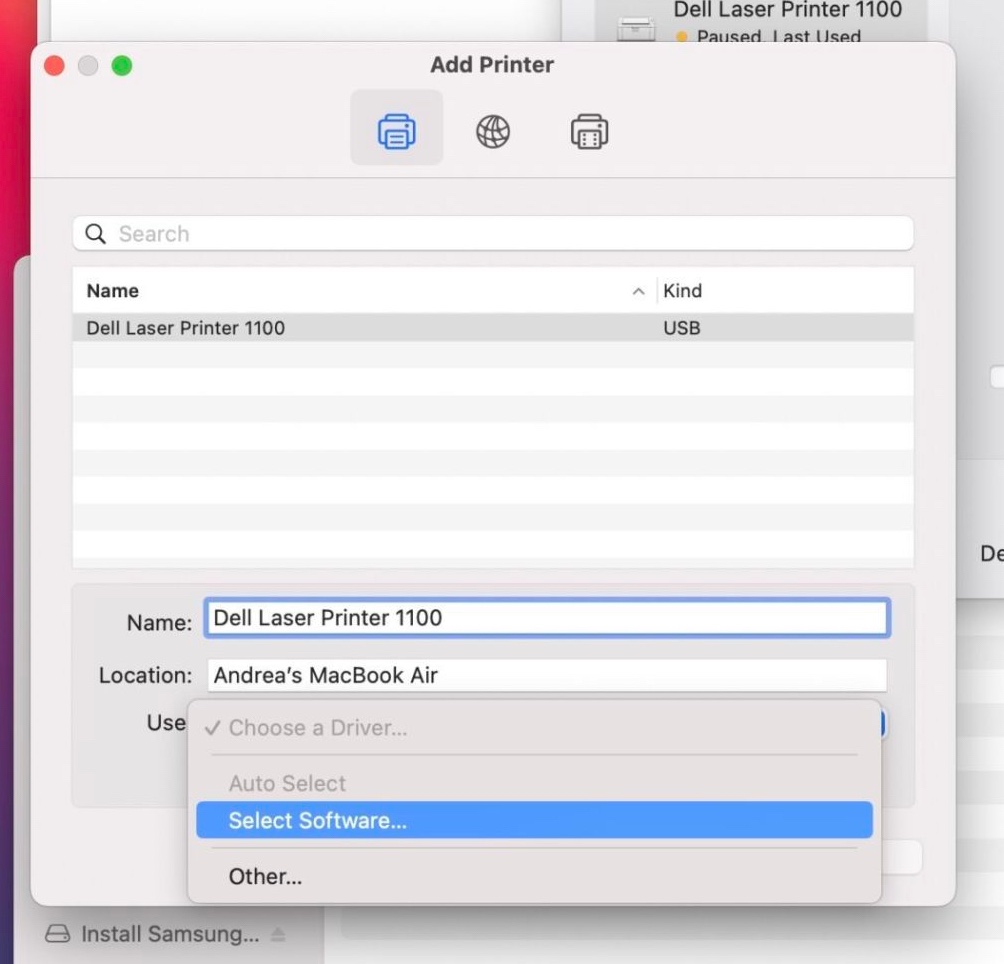
Open it and when it’s done installing head to the System Preferences Printer icon (with the printer plugged in and turned on) and add a new printer.

When selecting software, choose Samsung ML-2160 Series.

Albeit there was an error the first time I printed (or maybe it was just a warning) but then it began its typical whirling sound and out popped the printed page. It continues to work every time without issue.

I’m going to mirror the Samsung drivers for safe keeping.

Update: And after a new version of MacOS, this no longer works. I guess it’s time to retire the old laser printer. Too bad, we just bought a new drum after 15 years on the old one.